

Summaries
Get the key points, decisions and action items, and keep the recording behind them. Tap a point to hear exactly what was said.
Limited-time offer · New to Noted+?
Your first year is 30% off.
Redeem in the App StorePoint your iPhone camera at the code to open the offer in the App Store.
Offer ends 31 December. Renews at the standard yearly price.


Record meetings, lectures and interviews. Find every moment later.


5 Million Downloads and Counting



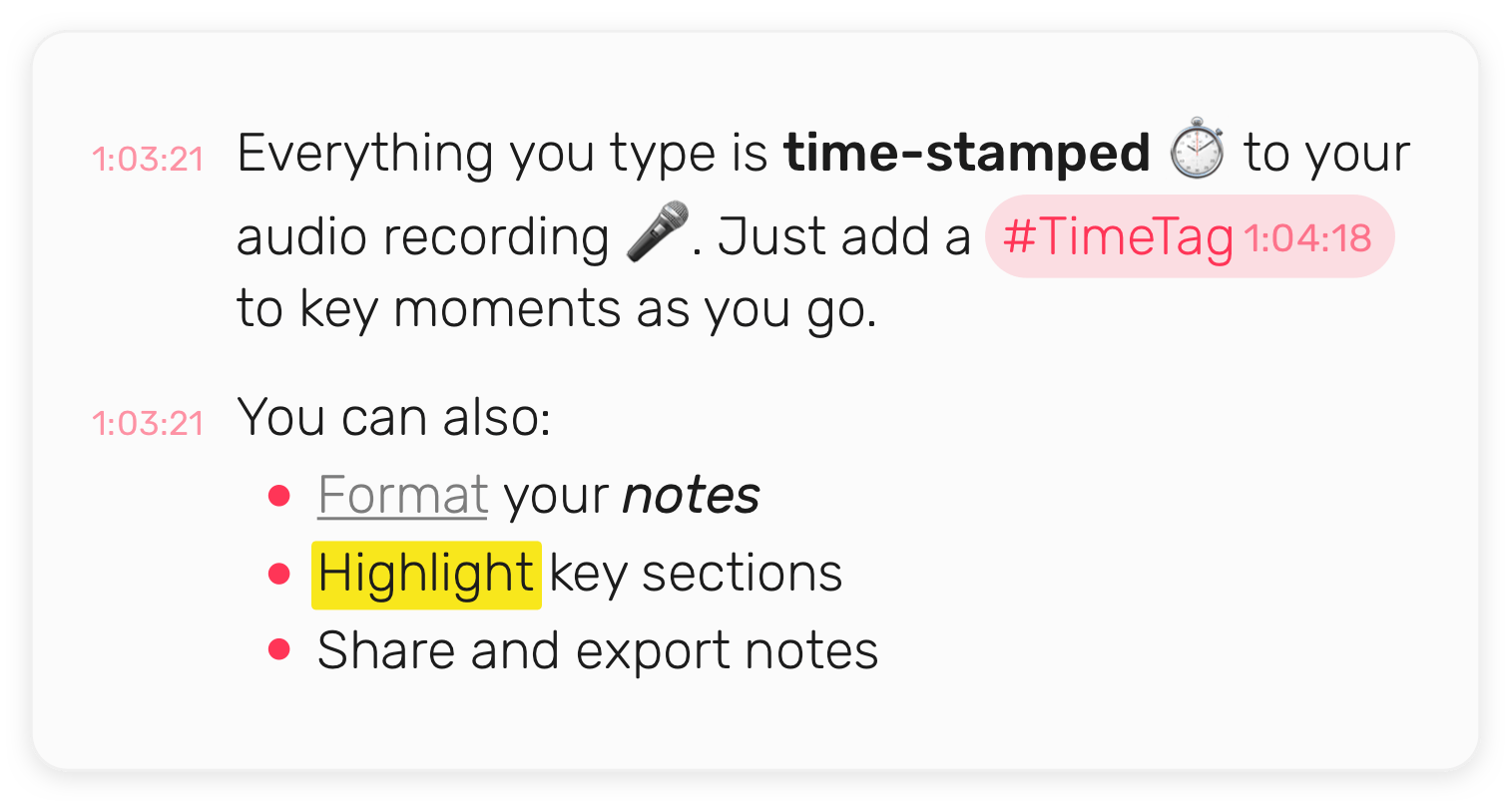
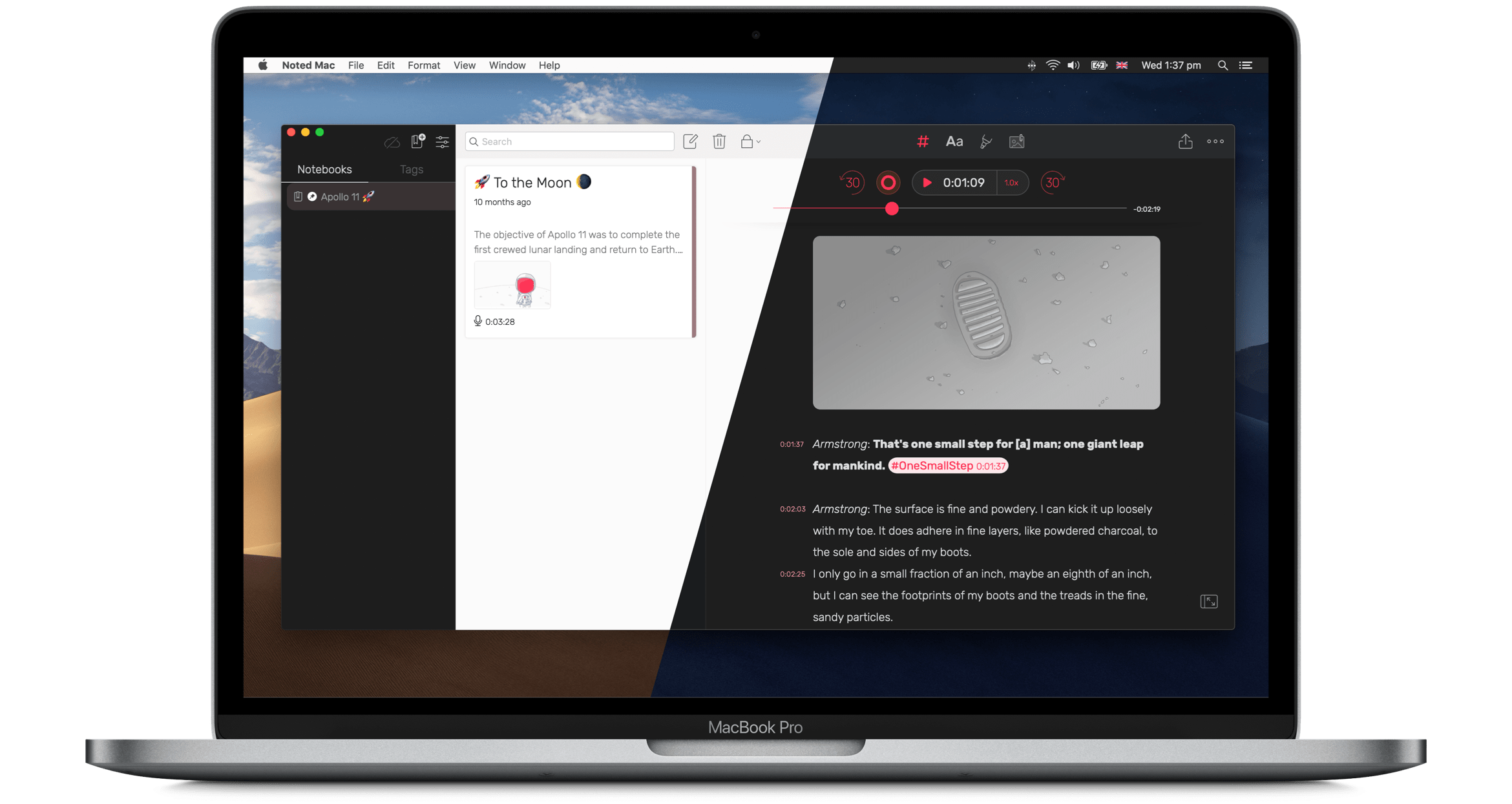
Everything you type is time-stamped ⏱ to your audio recording 🎤. Tap a line to hear the exact moment.
Add a #TimeTag to key moments as you go, and jump straight back to them later.
You can also:
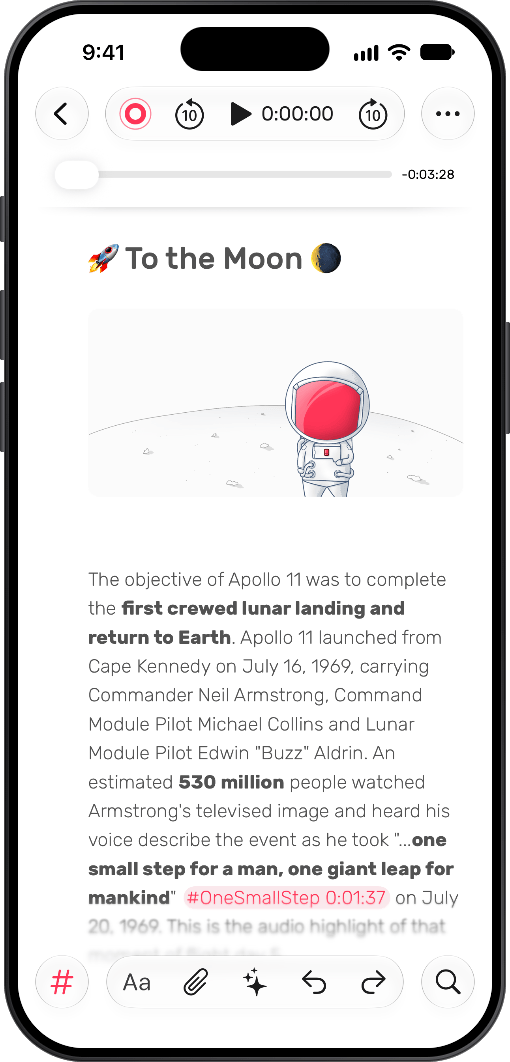
Live transcription writes down every word while you record, and labels who said what. Stay in the conversation instead of scribbling.
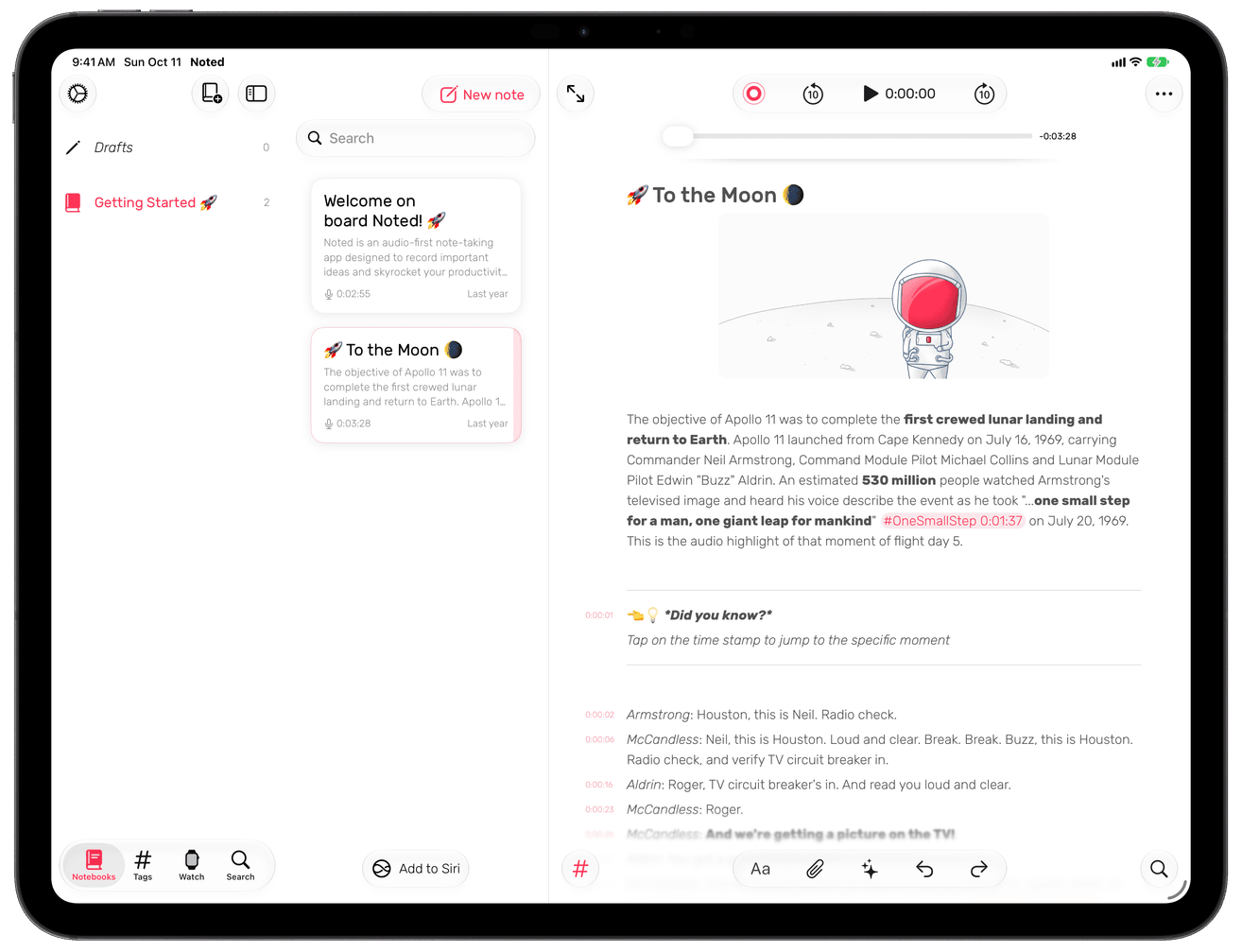
With Apple Pencil support you can simply tap and start scribbling. Adjustable margins mean you have all the space you need to express yourself.
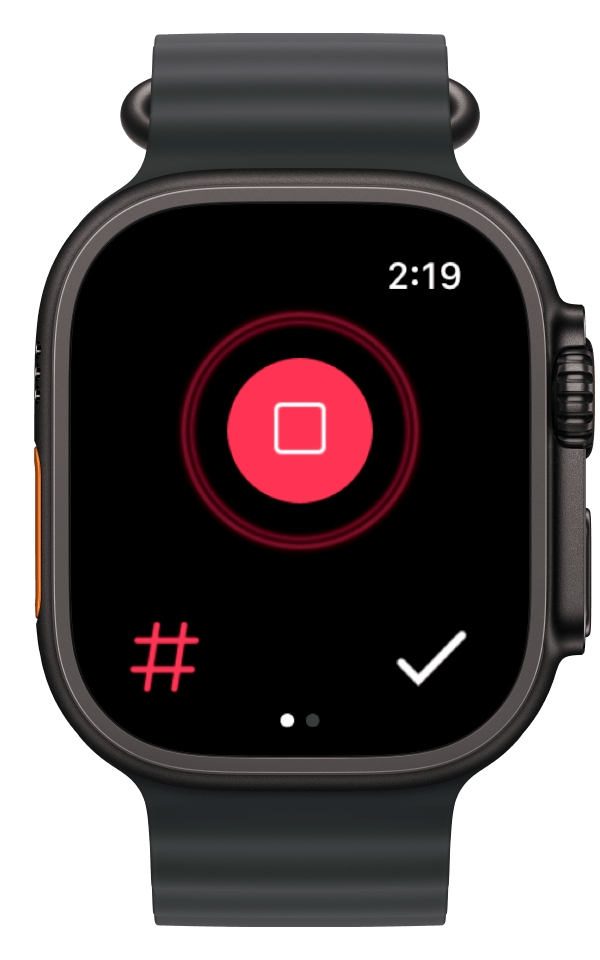
Record audio anywhere directly from your wrist. Capture those spontaneous moments worth remembering.
Switch between your Mac and phone apps whenever you like. Handy for meetings or lectures, and a big win for your productivity.
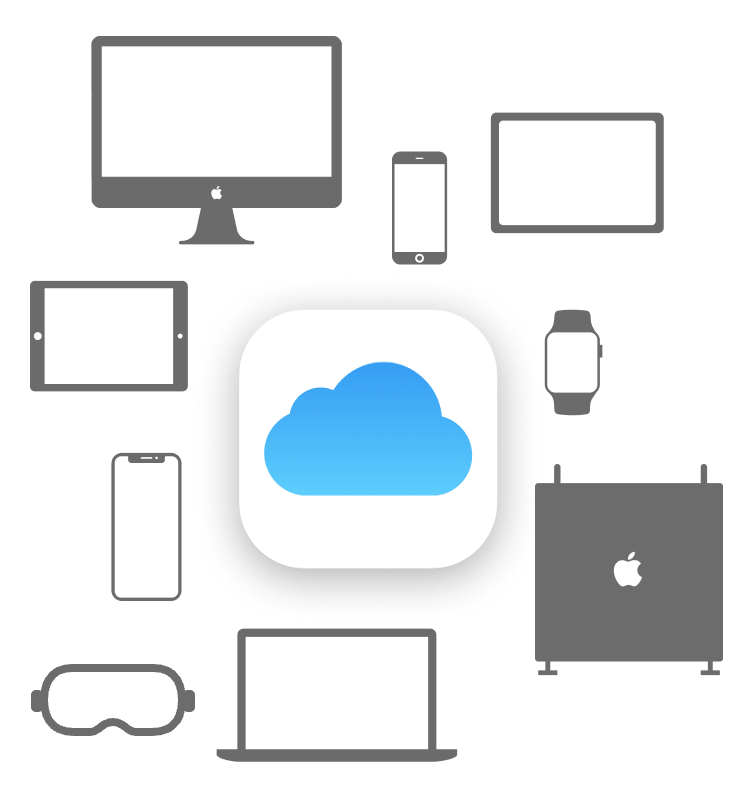
Notes are synced through iCloud, so you can reach them on any device, at any time.
Get the key points, decisions and action items, and keep the recording behind them. Tap a point to hear exactly what was said.
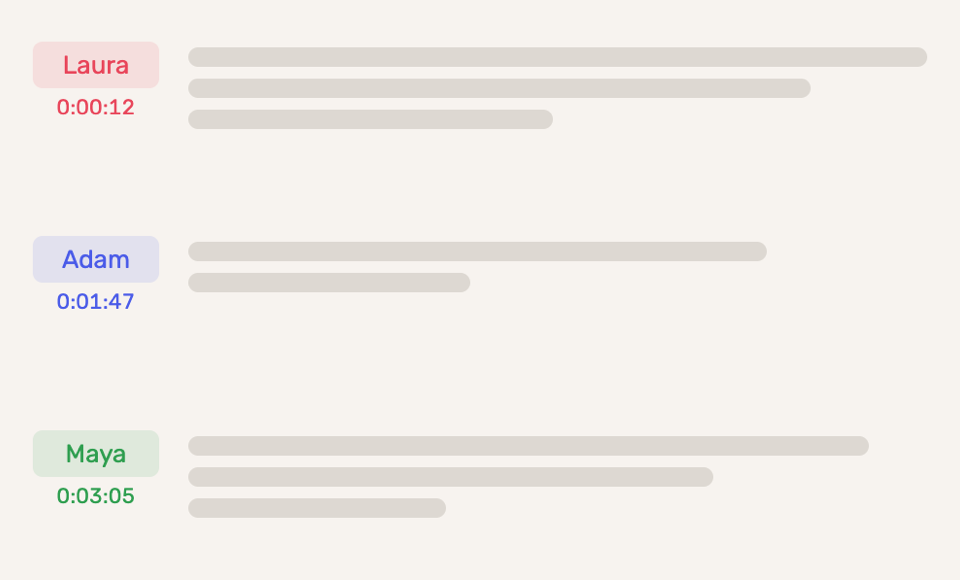
Know who said what. Noted labels each voice in the transcript, and you can give every speaker their real name.

Personalise your Noted experience. Choose from light and dark themes, and the app icon on your home screen will change colour too.
Machine learning detects and skips background noise and silence in your recording, and jumps straight to the most important bits.
 Export PDF
  Adjust margins
  Share note via web
  Date format
  Noise reduction
  Skip time
  Archive notes
  EQ
EQ  Export Watch Recording
  Import documents
  Recording qualities
  Audio Trimming
  Import Multiple Recordings
  Retain Timestamps
 We liked the clean interface and all the extras: customise colour and style, highlight text, add pictures and doodle.
If you’ve ever tried to take notes while someone’s speaking, you know that capturing every word is impossible. Noted solves both problems by letting you take notes while recording time-stamped audio, saving you lots of time.
Noted is a rich-text notepad and voice memos app combined. This isn’t a new concept on the iPhone, but Noted differentiates itself by enabling you to mark important moments within the recording.
Highly effective and easy to use. Ideal for anyone who needs to both record audio and make notes at the same time in lectures, meetings, and interviews.
Noted’s simple design allows users to easily create notes and start recording in just a few taps. While recording audio, Noted adds a timestamp to each new line, and it’s easy to navigate to specific places within the audio.
The audio feature really pushes it over the edge. If you frequently record interviews, or if you find yourself recording meetings or school lectures for reference later on, Noted is worth checking out.
5 out of 5 stars
I use Noted to assist in taking minutes for a committee that I am on. It makes a time consuming task easier and less time consuming.
5 out of 5 stars
This app offers a great way to save time and keep track of the business, so that you can get on with your personal life. Accurate records and updated regularly with useful access to toolset options.
5 out of 5 stars
I have used this app for a couple of years, and it has allowed me to take some of the most high quality notes I have ever taken.
Available on iPhone, iPad, Mac, Apple Watch and Apple Vision Pro.

