


Private transcription
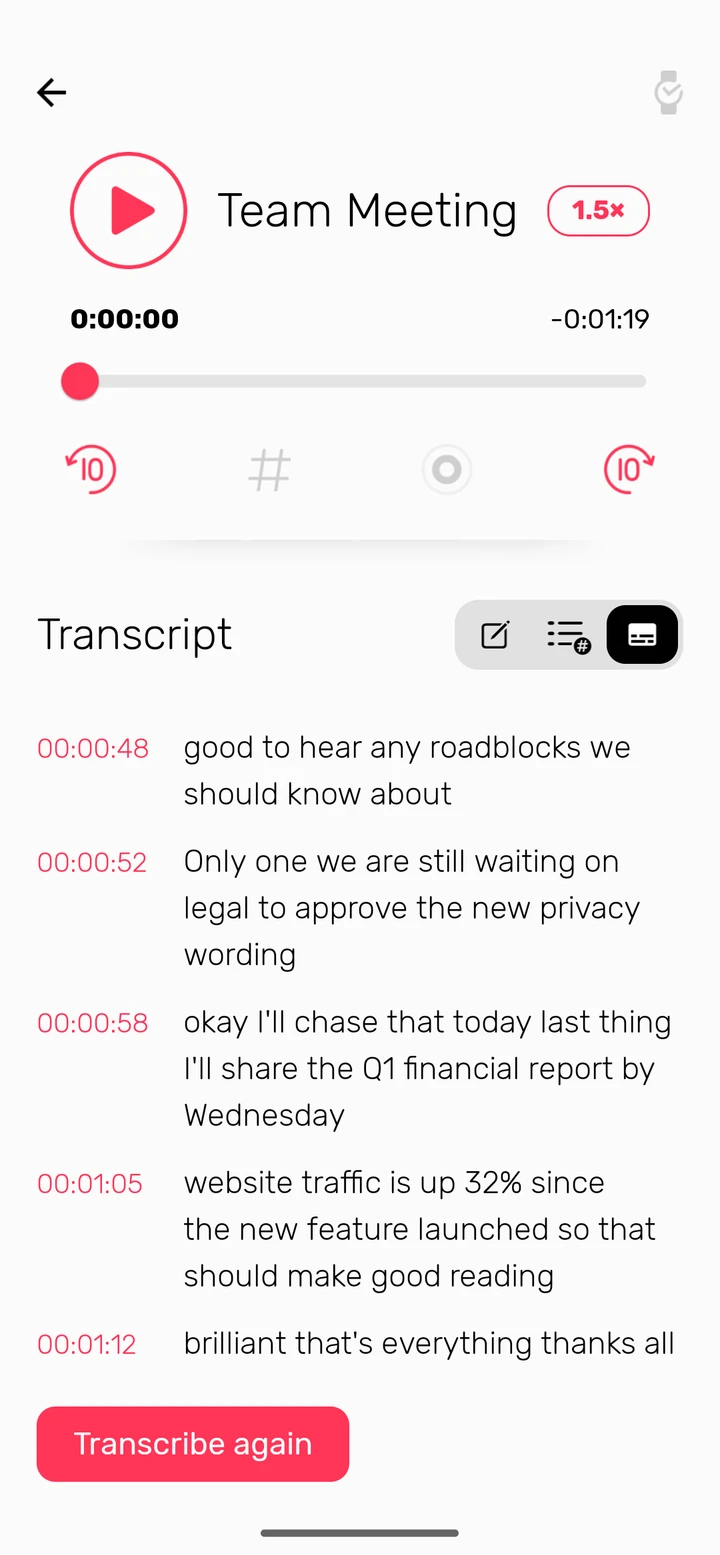
Turn a recording into text while you record or afterwards. It all happens on your phone, so the audio never leaves it. Needs Android 13 or later.
Noted for Android
Noted records while you type and timestamps every note. Free on Google Play, with no account to make.

Using an iPhone, iPad or Mac? See Noted for Apple devices
Tap record and type as you listen. Each line is stamped with its time in the recording, so tapping it plays back exactly what was being said.
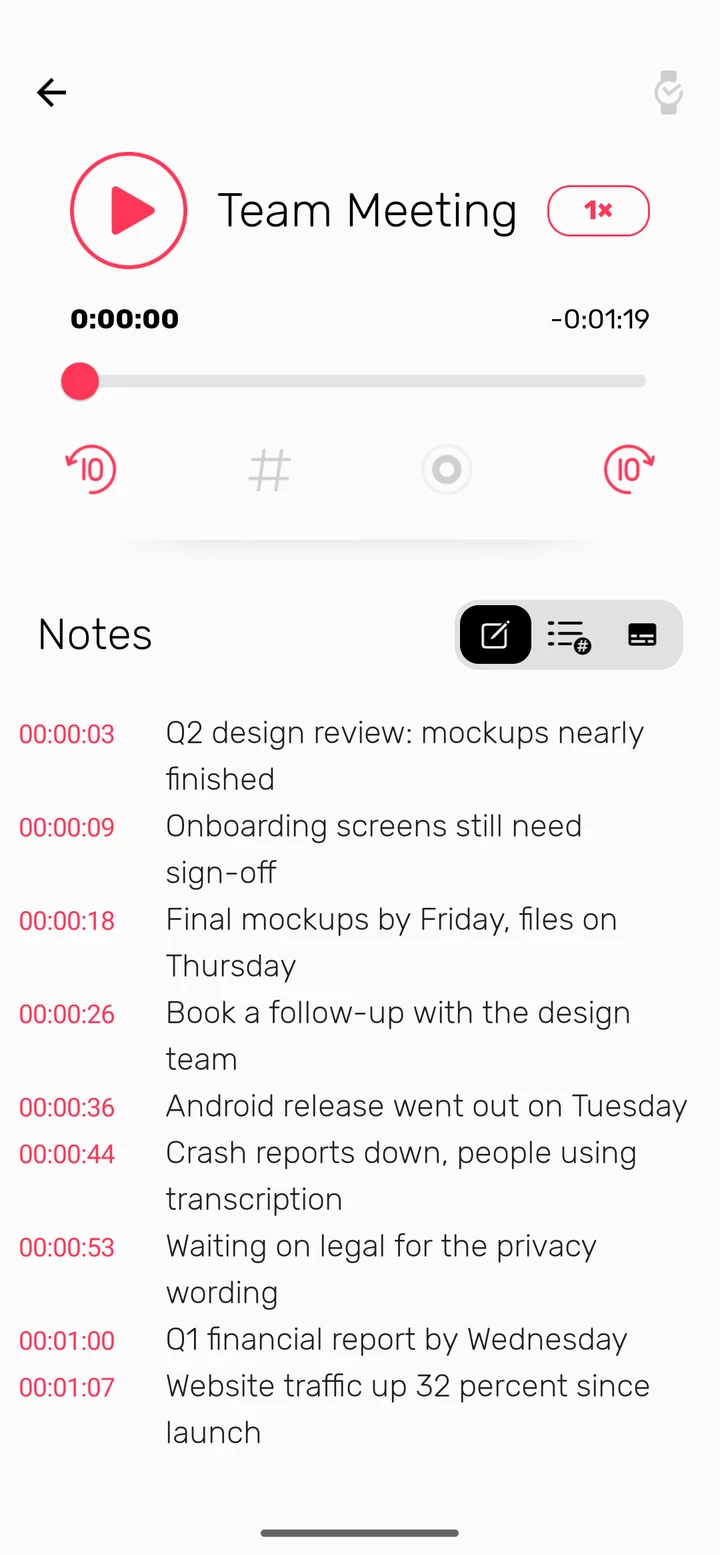
Tag the moments that matter, like an action or a deadline, with one tap. Later, tap the tag to go straight there instead of scrubbing through an hour of audio.
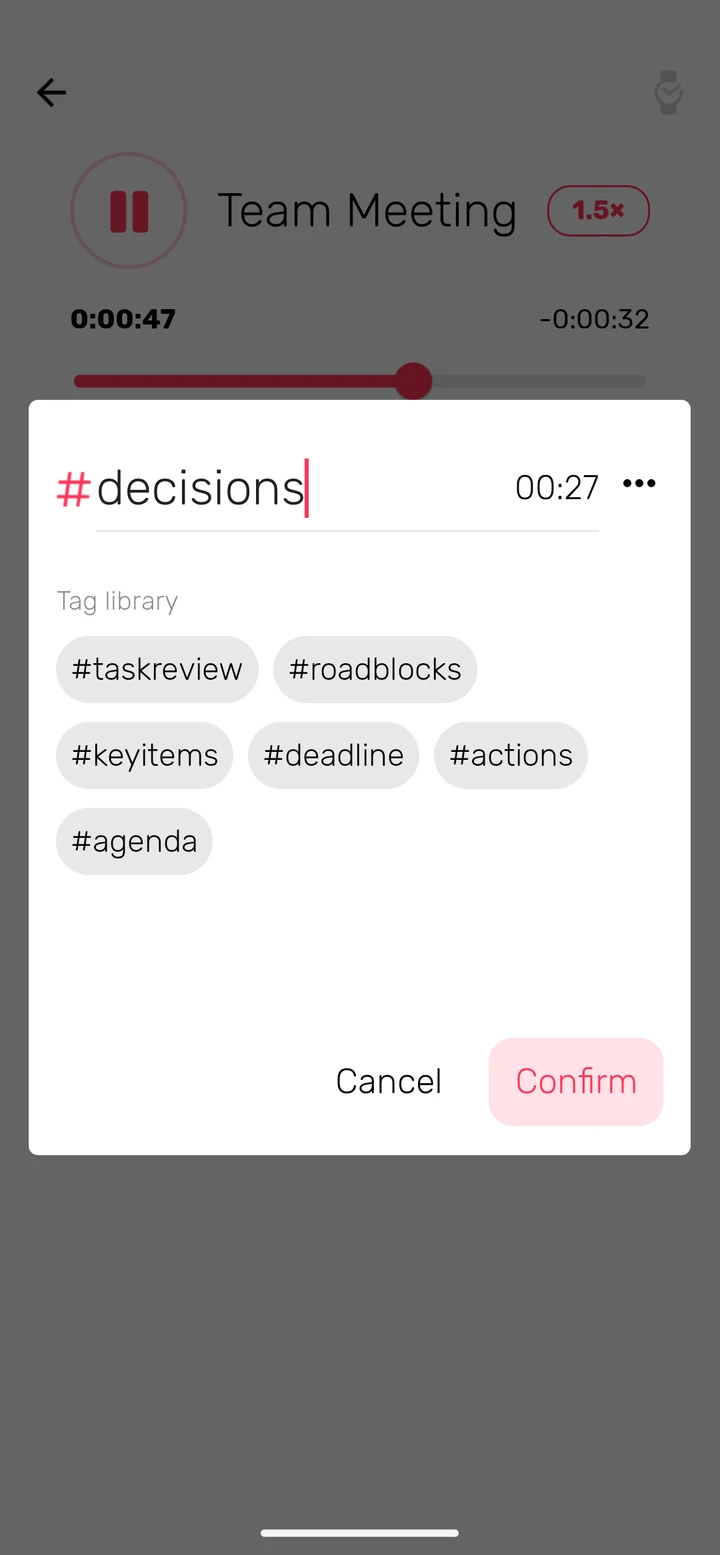
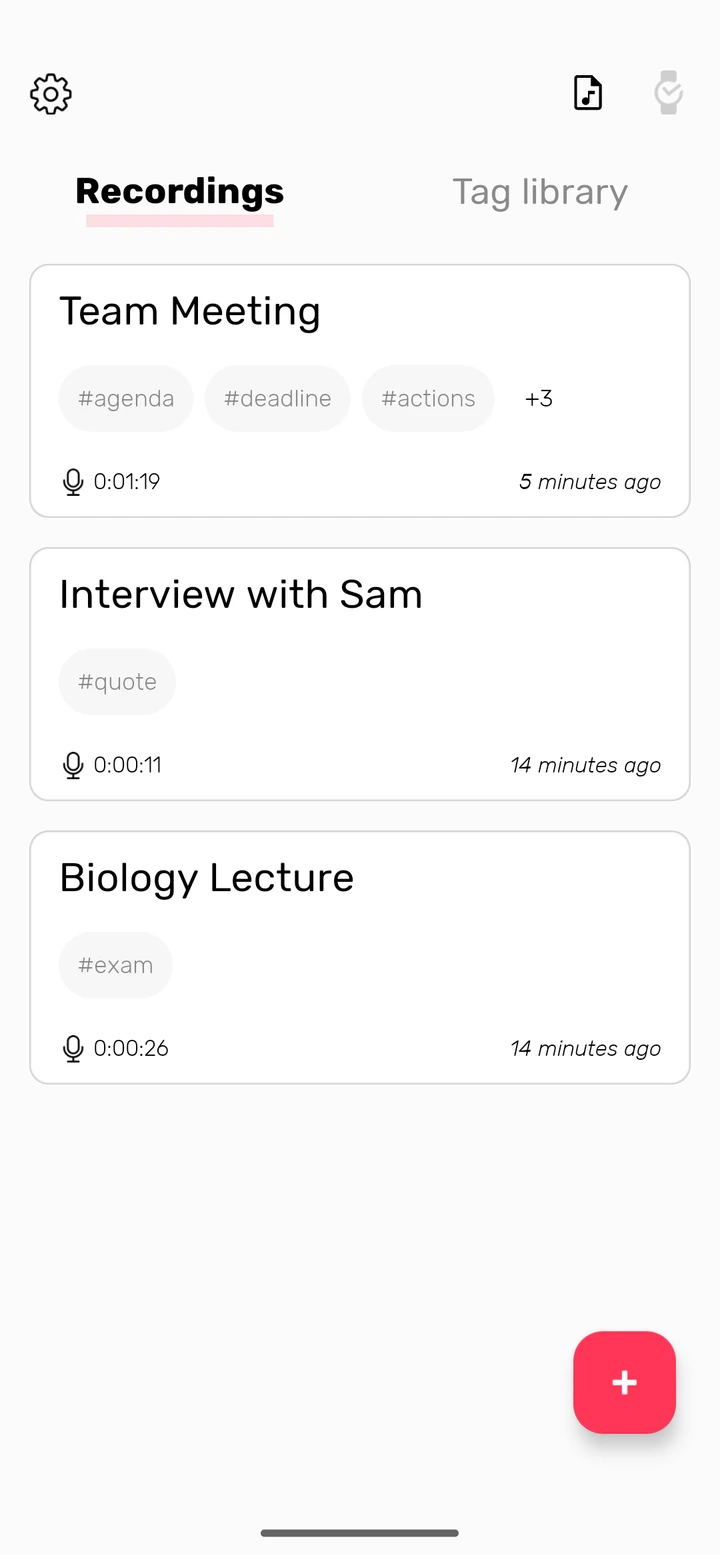
Your recordings list shows the tags in each one, so the meeting with the deadline is easy to spot. Wear a Xiaomi Watch S1? Control the recording from your wrist.
Noted+
A one-time purchase on Google Play. No subscription.
Turn a recording into text while you record or afterwards. It all happens on your phone, so the audio never leaves it. Needs Android 13 or later.
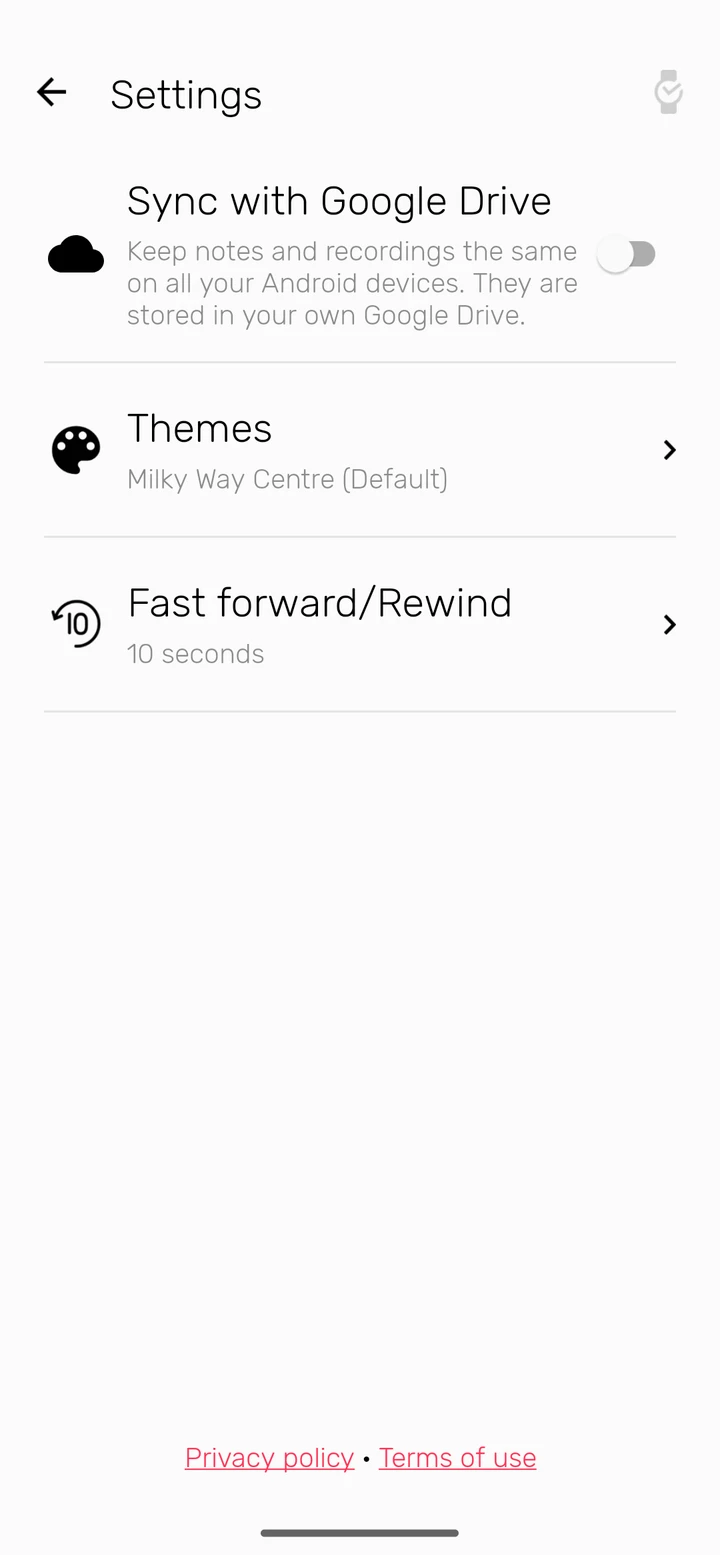
Sync notes, tags and recordings through your own Google Drive. Moving to a new phone? Turn on sync and everything comes with you.
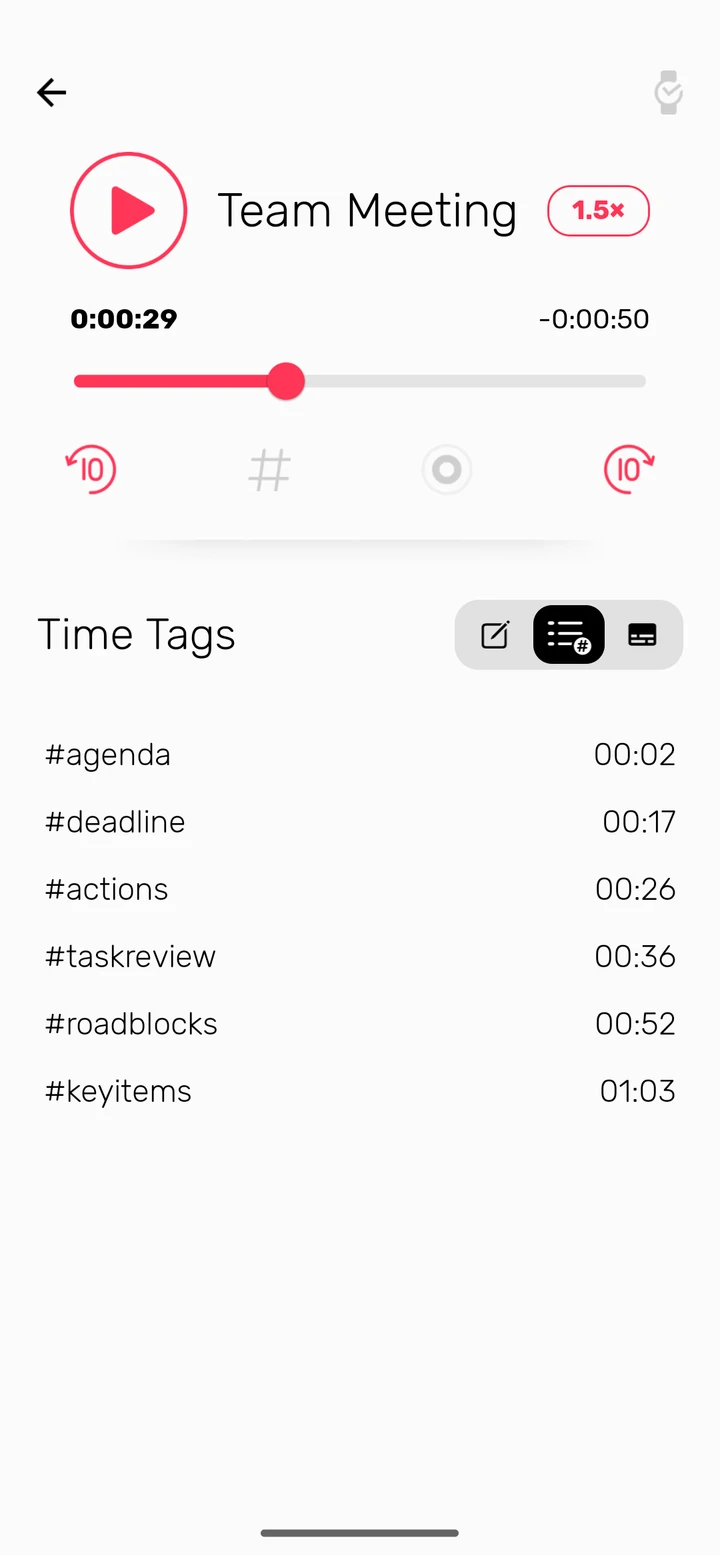
Listen at anything from 0.75× to 2×, and choose how far the skip buttons jump. At 2×, an hour-long lecture takes 30 minutes.
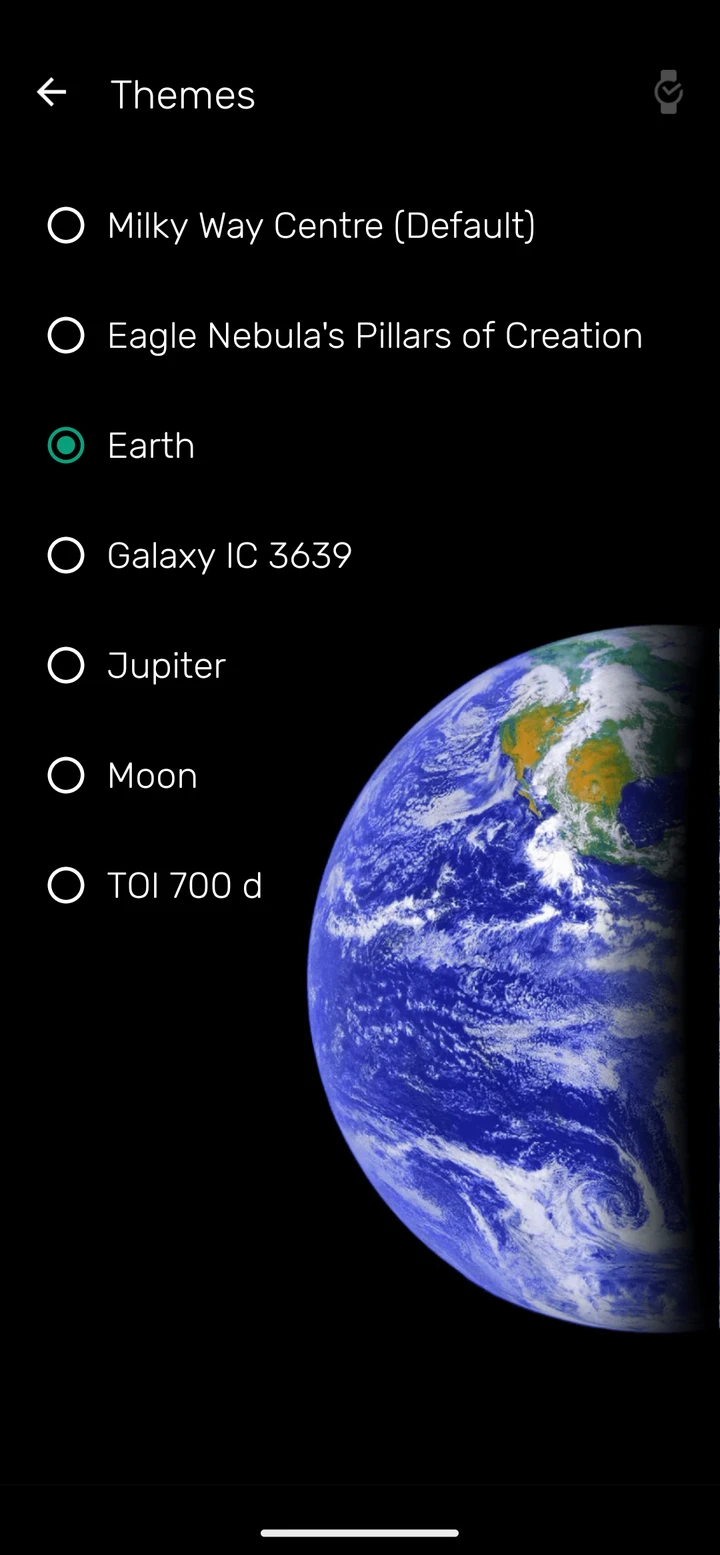
Give Noted the look you like, from the Milky Way to the Earth from orbit.
Free to download
One-time purchase
Google Play shows the price in your currency. Noted+ for Android is a separate purchase from Noted+ on iPhone, iPad and Mac, and each works only in its own app.
Google Play and the Google Play logo are trademarks of Google LLC. Android is a trademark of Google LLC. The Android robot is reproduced or modified from work created and shared by Google and used according to terms described in the Creative Commons 3.0 Attribution License.
We are building Noted for Android all the time. The last few updates brought private transcription, Google Drive sync, audio import and playback speed, and there is more to come.
Tell us what you would like next: support@notedapp.io
Free on Google Play. No account needed.