Skip to content Blog
-
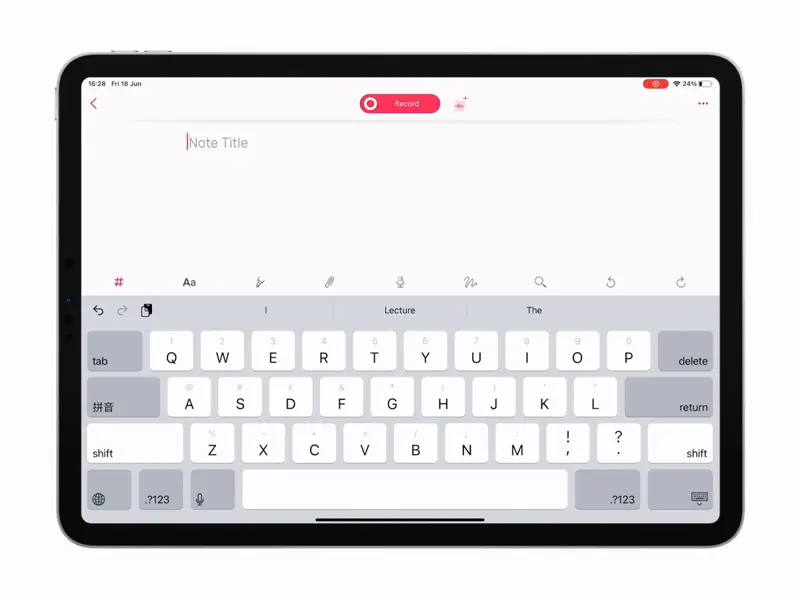 How to Be More Productive with Noted on iPad Published on iPad-specific ways to get more from Noted: Split View multitasking, sketching, adjustable editor margins and Time Stroke.
 -
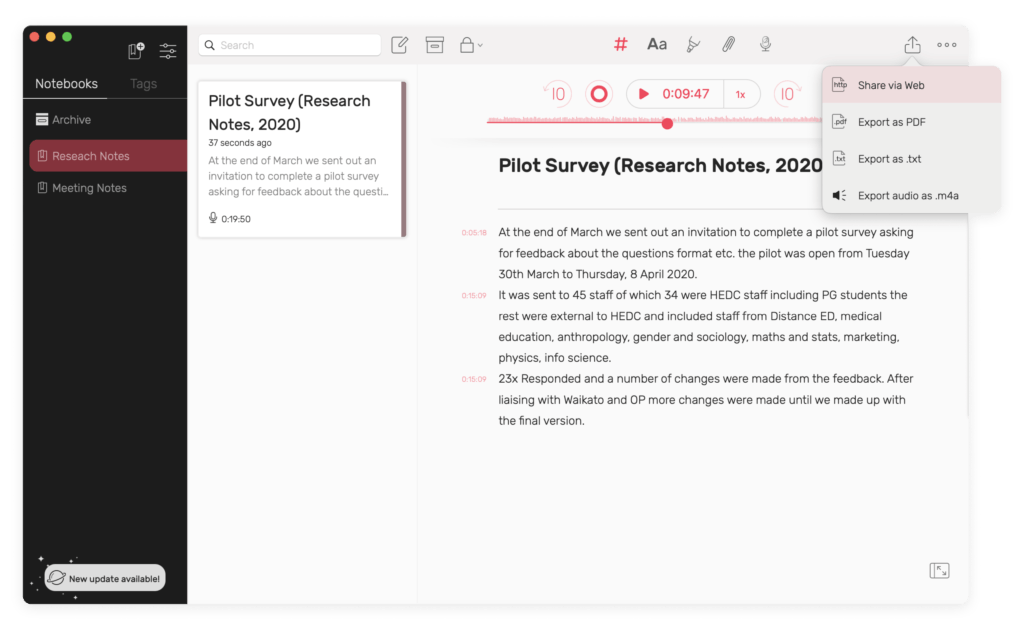 Spread Your Ideas: 4 Ways to Share Study or Research Notes Published on Four ways to share notes from Noted: an iCloud link, a web link, a PDF or TXT export, or the audio recording on its own.
 -
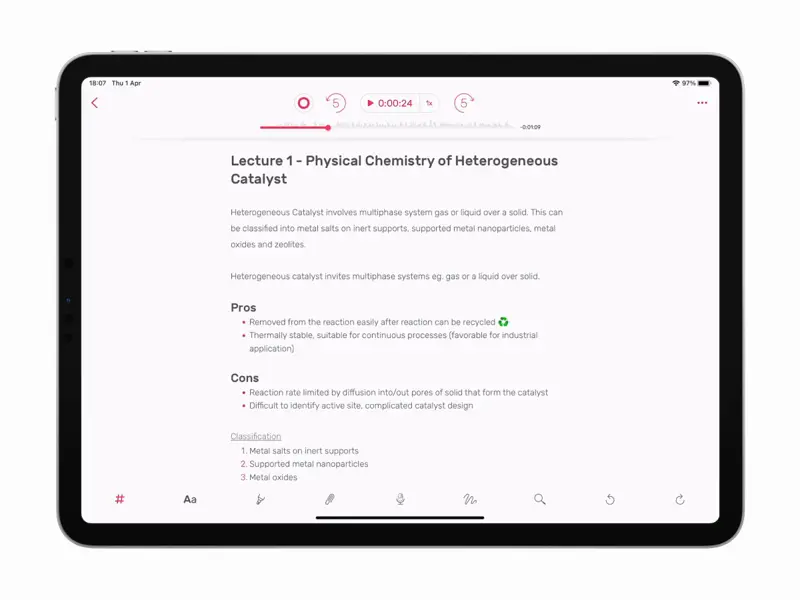 3 Tools to Perfect Your Meeting/Lecture Recording Playback Published on Three Noted tools for reviewing a long lecture or meeting recording faster: Intelligent Playback, Audio Trimming and playback speed.
 -
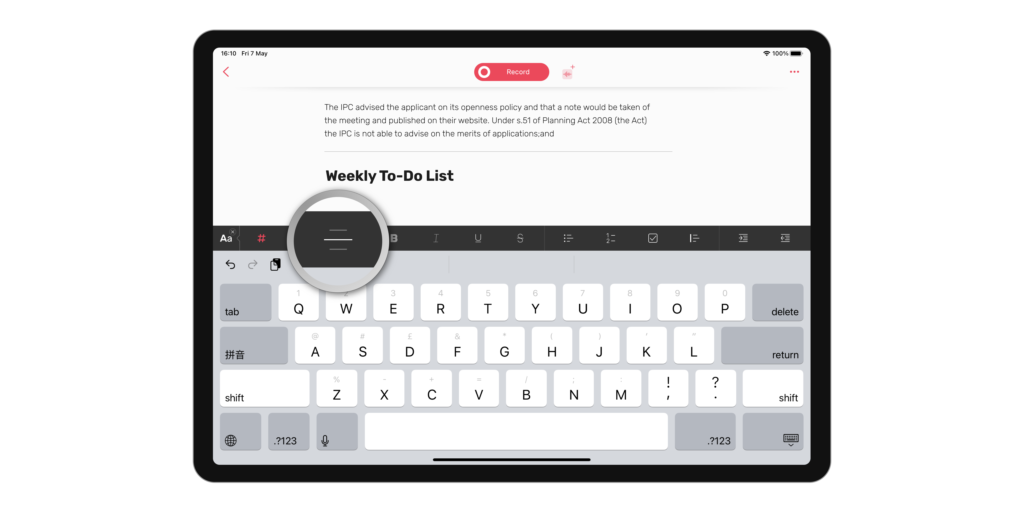 How to Format Your Notes For Maximum Readability Published on Noted’s text formatting tools, from indents and lists to checkboxes, and how to use them to make your notes easier to read.
 -
 How to Enable Noted+ for Family Sharing Published on Noted+ supports Family Sharing. Here is how to share your subscription with your family, or use one a family member already pays for.
 -
 How to Capture Ideas Using Noted While Listening to Podcasts Published on Hear something worth keeping in a podcast? Here is how to capture the idea in Noted without losing your place, and find it again later.
 -
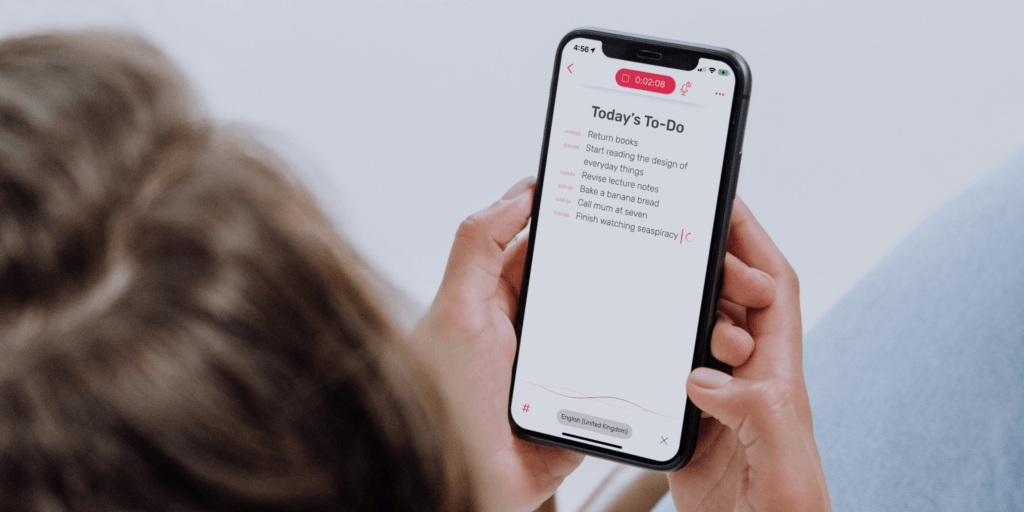 How to Take Better & Faster Notes Using Dictation Published on Use dictation in Noted to capture ideas faster than typing, and keep the text tied to your recording.
 - Intelligent Playback: A Time-Saving Way to Review Long Recordings Published on Intelligent Playback skips the silent gaps in a recording. What it does, and how to switch it on in Noted for iOS and macOS.
-
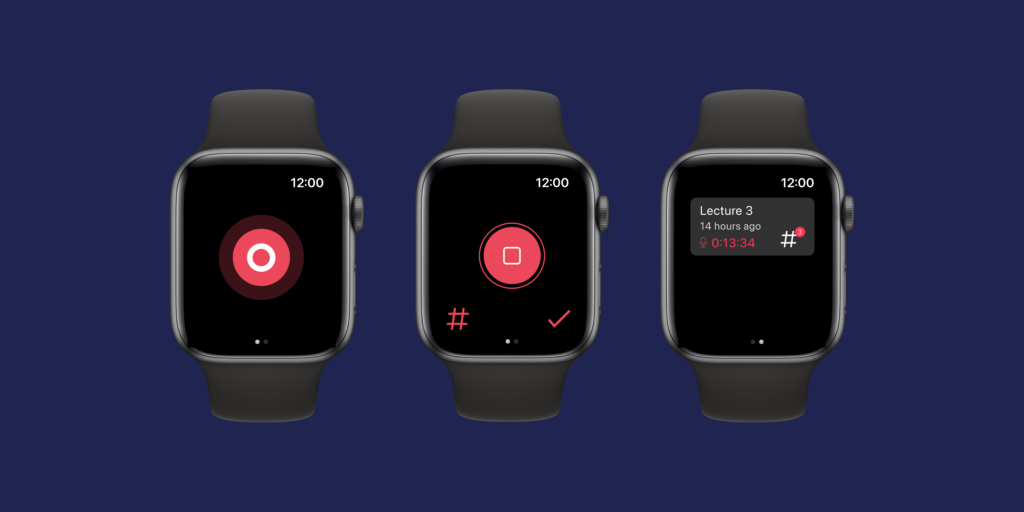 How to Get Started With Noted on Apple Watch Published on Capture ideas from your wrist: how to set up Noted on Apple Watch, record and play back audio notes, and append to an existing note.
 -
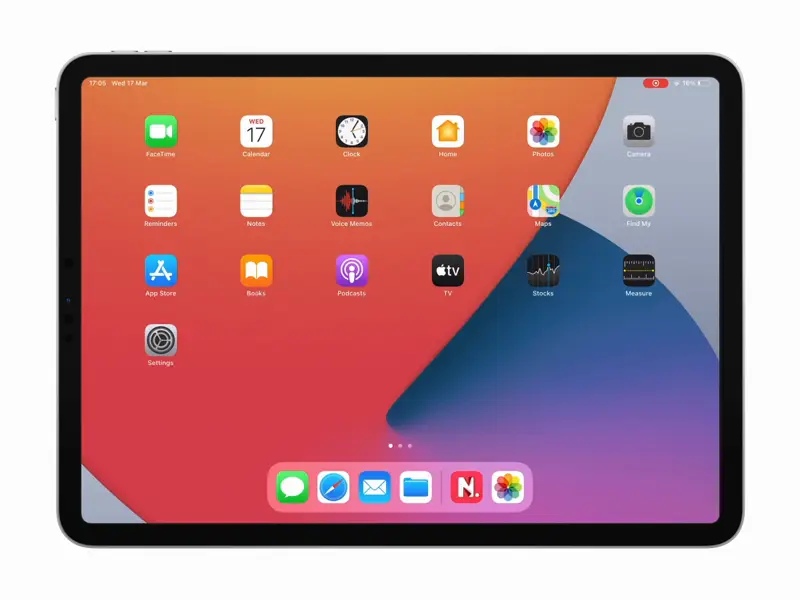 How to Use Noted Widgets to Boost Productivity Published on How to add and customise Noted widgets on iPhone, iPad and Mac so your latest notes and a record button are one tap away.
 -
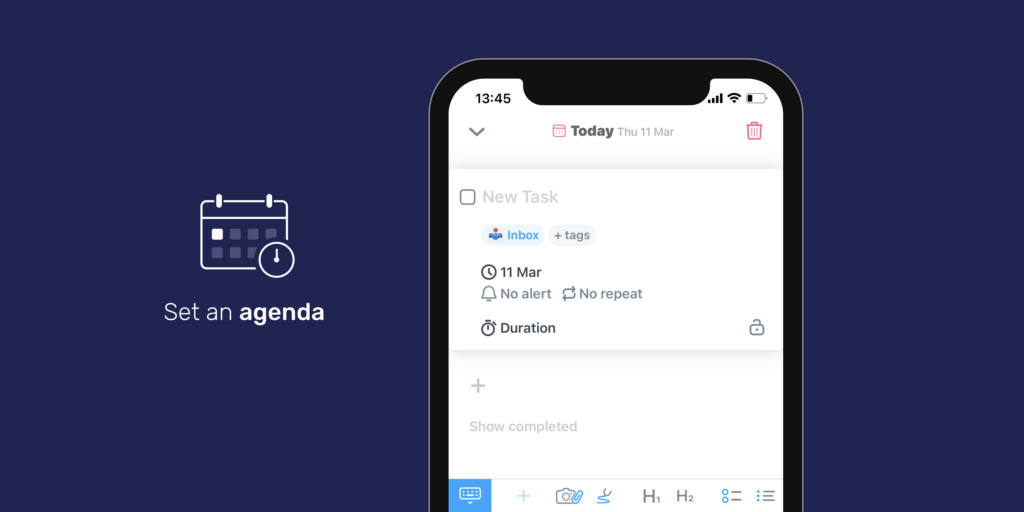 5 Meeting Hacks to Boost Productivity at Work Published on Five hacks for better meetings at work: keep them small, set an agenda, cap the time, record everything and try standing up.
 -
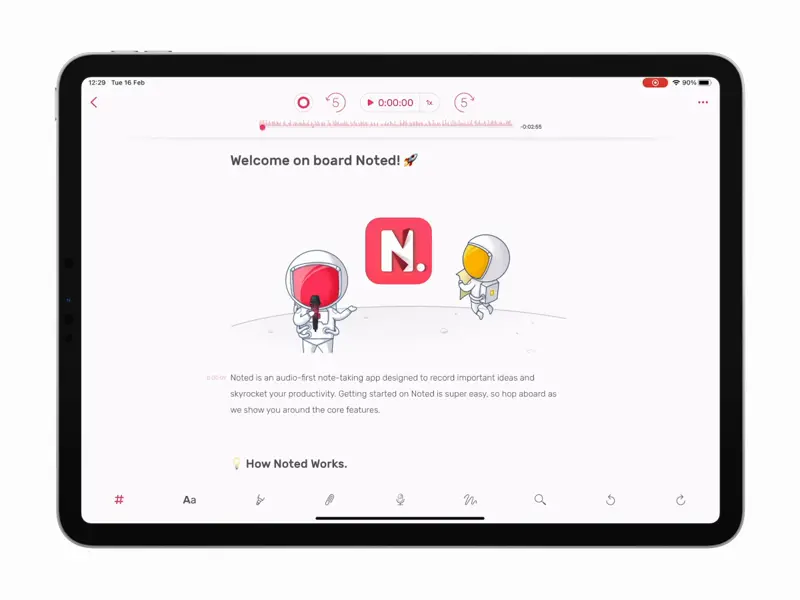 How to Trim Unwanted Parts of an Audio Recording Published on How to use Audio Trimming in Noted on iOS and macOS to cut the unwanted parts from a recording, and how to undo a trim.