Skip to content Blog
-
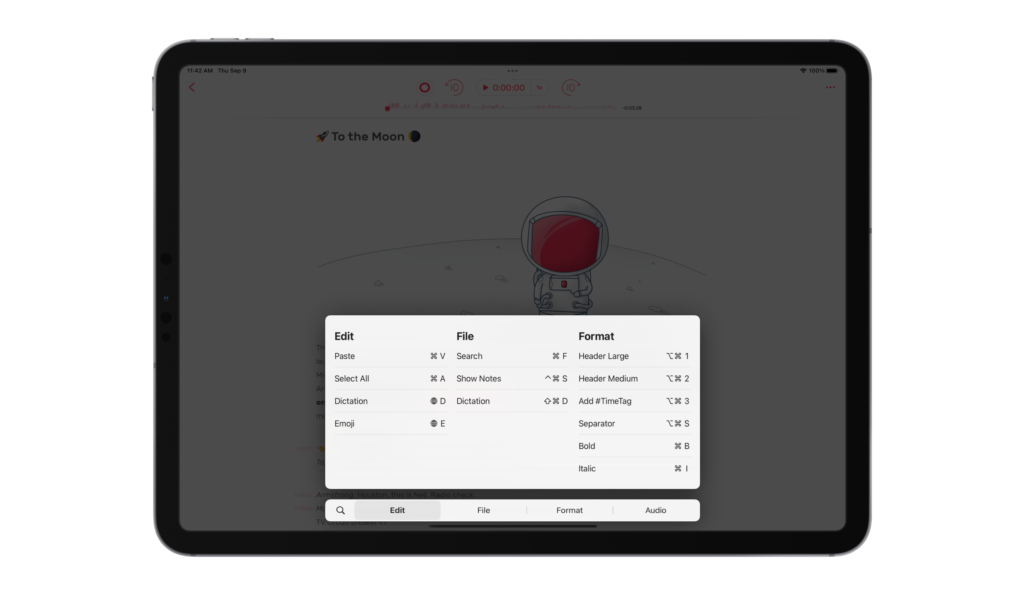 Version 3.5: Everything New in Noted’s iPadOS 15 Update Published on Noted 3.5 brings iPadOS 15's new technology to your notes: everything that is new in this update and how to use it.
 -
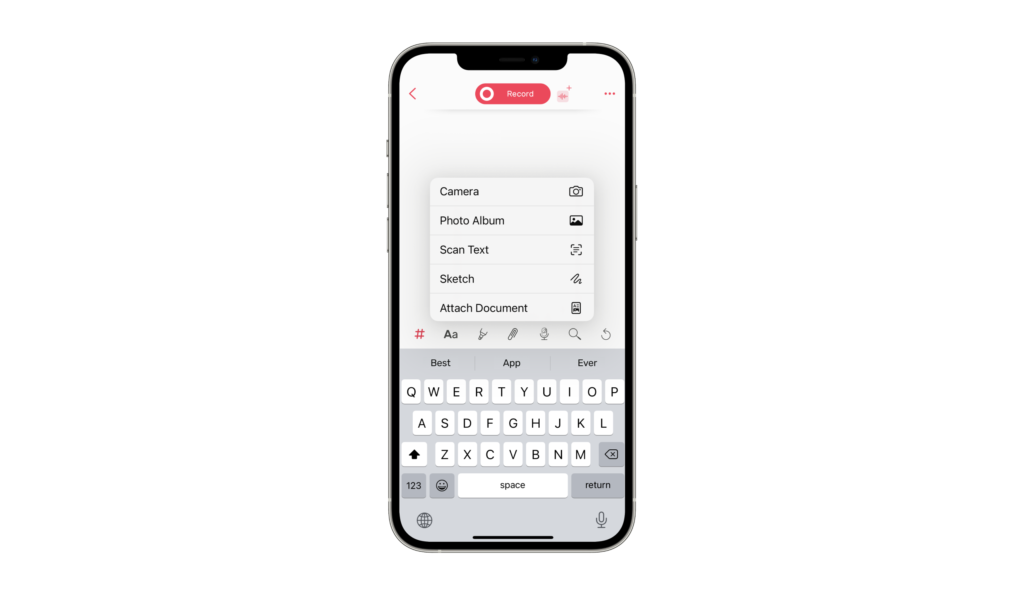 Scan Text: Transform Handwritten notes into Editable notes Published on Scan Text turns handwritten pages and printed documents into editable, searchable notes. Here is how it works and who it is for.
 -
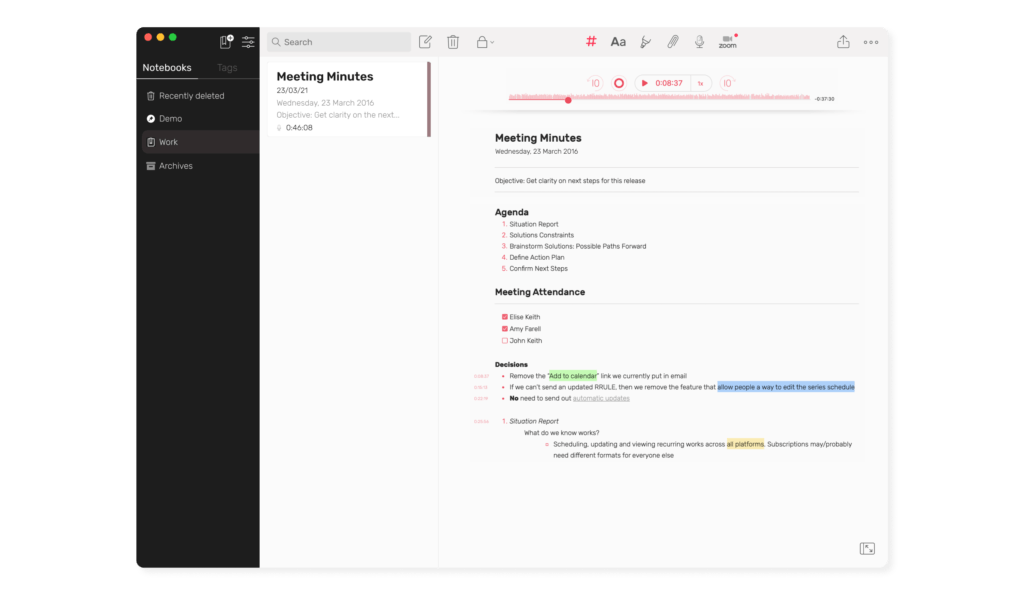 A Professional’s Guide to Noted: Top Tips for Note-Taking at Work Published on A professional’s guide to note-taking at work with Noted: staying engaged in meetings, formatting, syncing and sharing what you capture.
 -
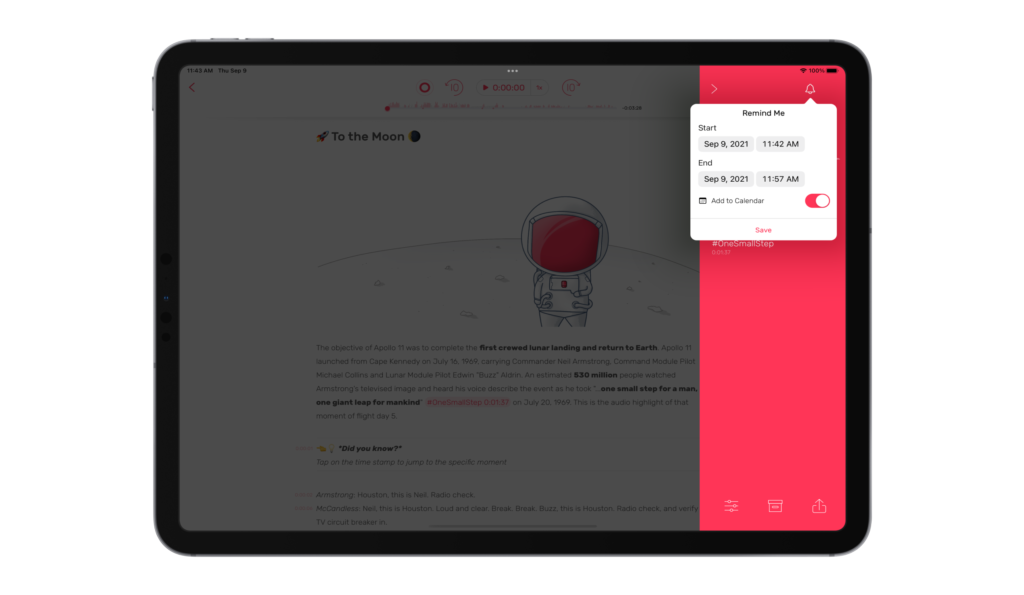 Version 3.5: When Noted Meets iOS 15 Published on Alongside iOS 15’s arrival, we’ve officially launched our latest update: version 3.5!
 -
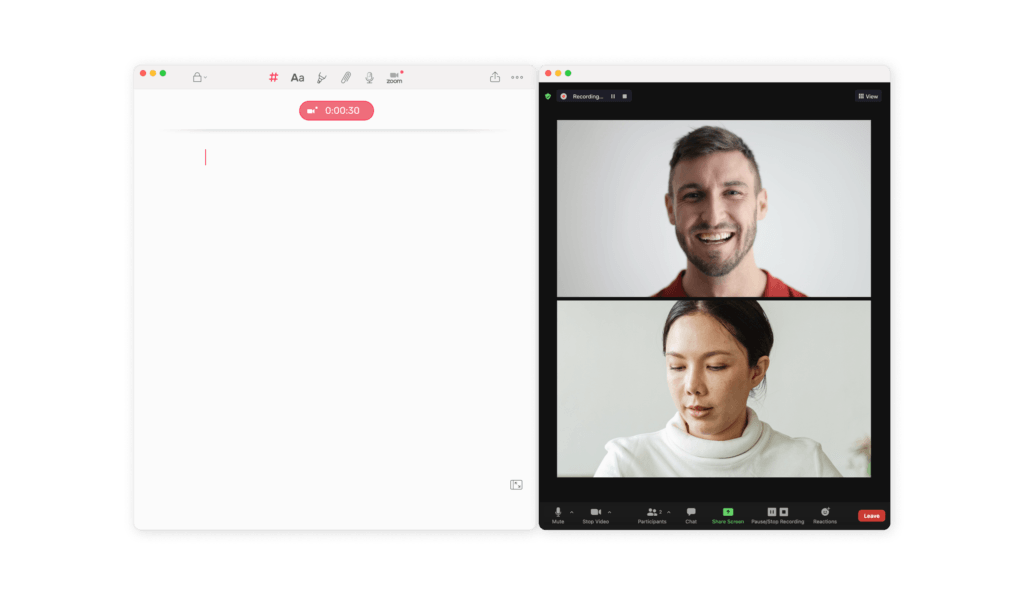 3 Zoom Meeting Hacks to Enhance Your WFH Life Published on Three ways to take better notes in Zoom meetings with Noted: record the call, capture notes in real time, then review what was said.
 -
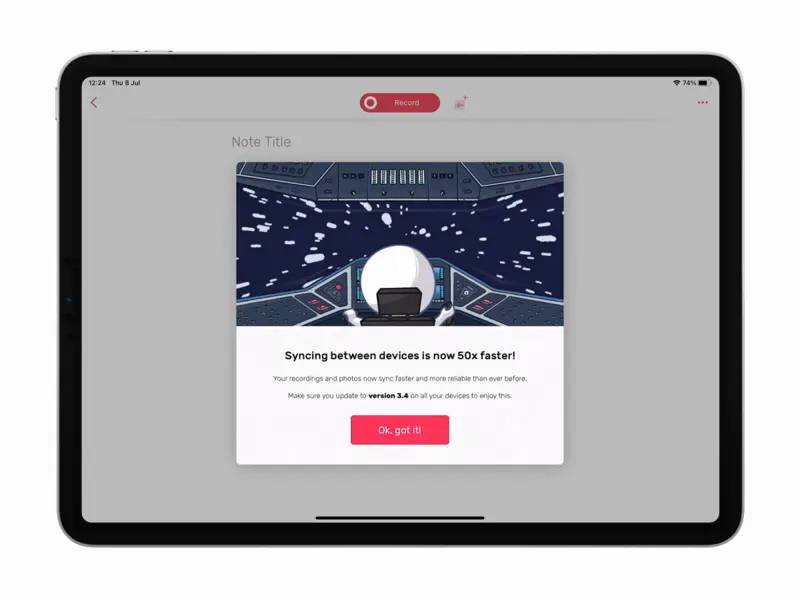 Version 3.4: Sync Just Got Faster, Much Faster Published on Noted 3.4 makes syncing far faster and more reliable, so your notes are ready on every device by the time you are.
 -
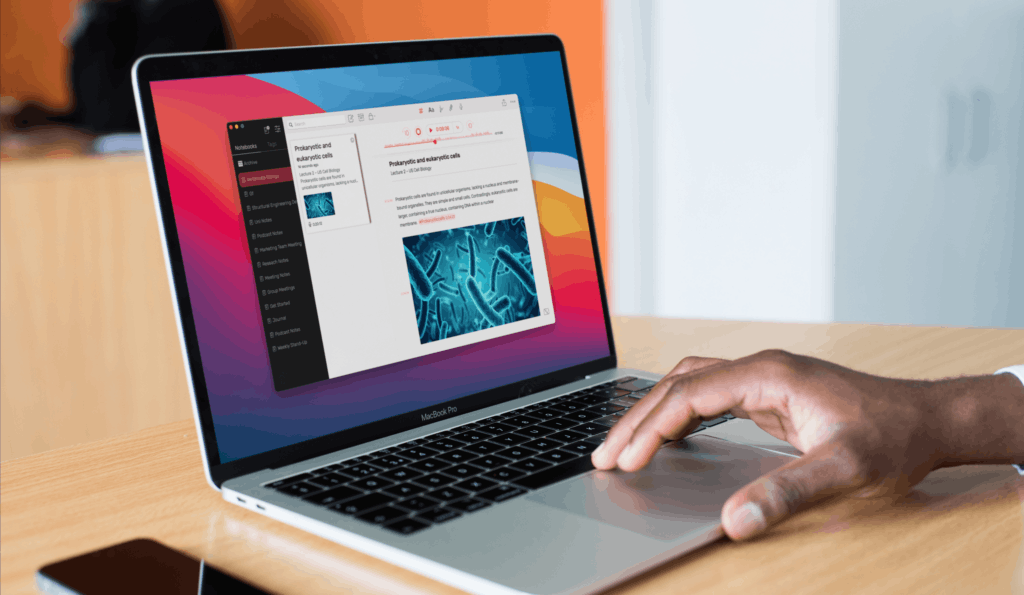 10 Things to Pack for University Published on A packing list for your first term at university, from documents and bathroom basics to the stationery and backpack you will actually use.
 -
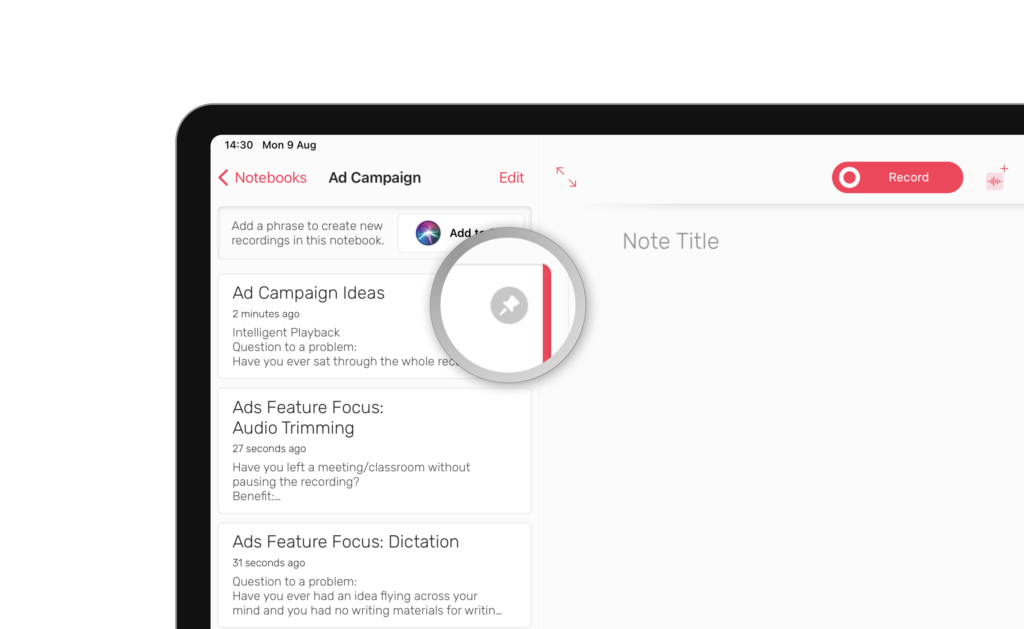 How Team Noted Use Noted: Insider Tips for All Users Published on Four members of Team Noted share the features they rely on every day, from search and Dictation to Home Screen widgets.
 -
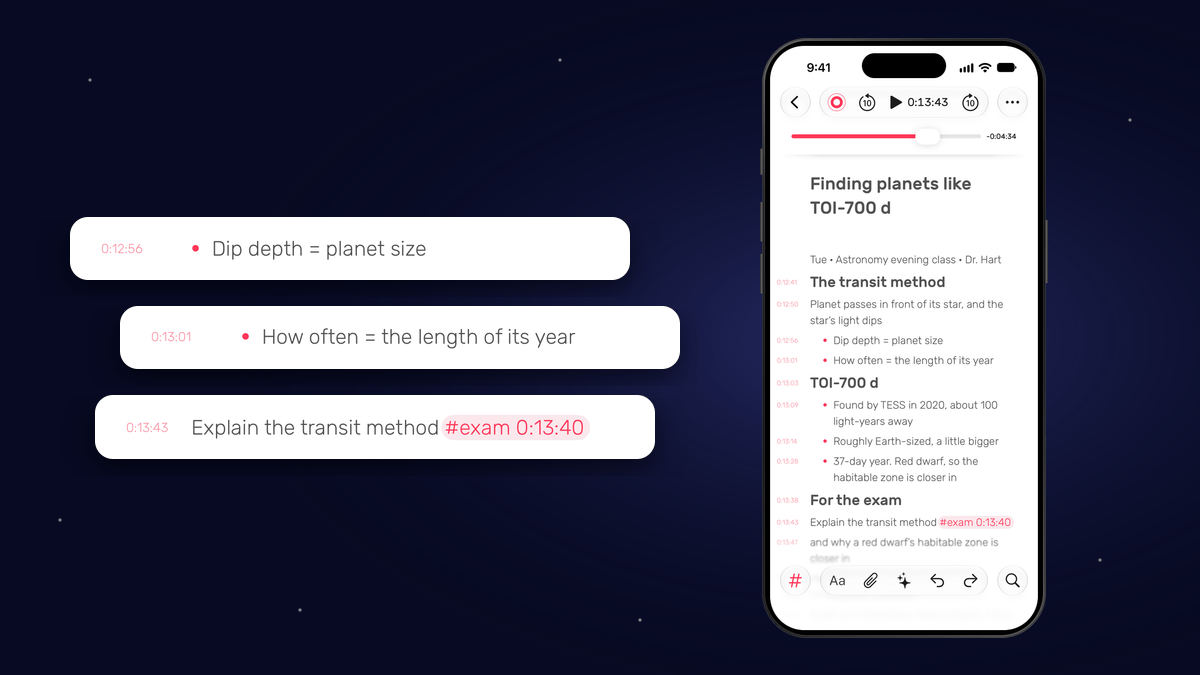 AI Can Summarise Your Lecture. Here’s What It Can’t Do. Published on AI gives you a quick recap of any lecture, but your own notes are how it sticks. How to use both in Noted, and find any part of a lecture again.
 -
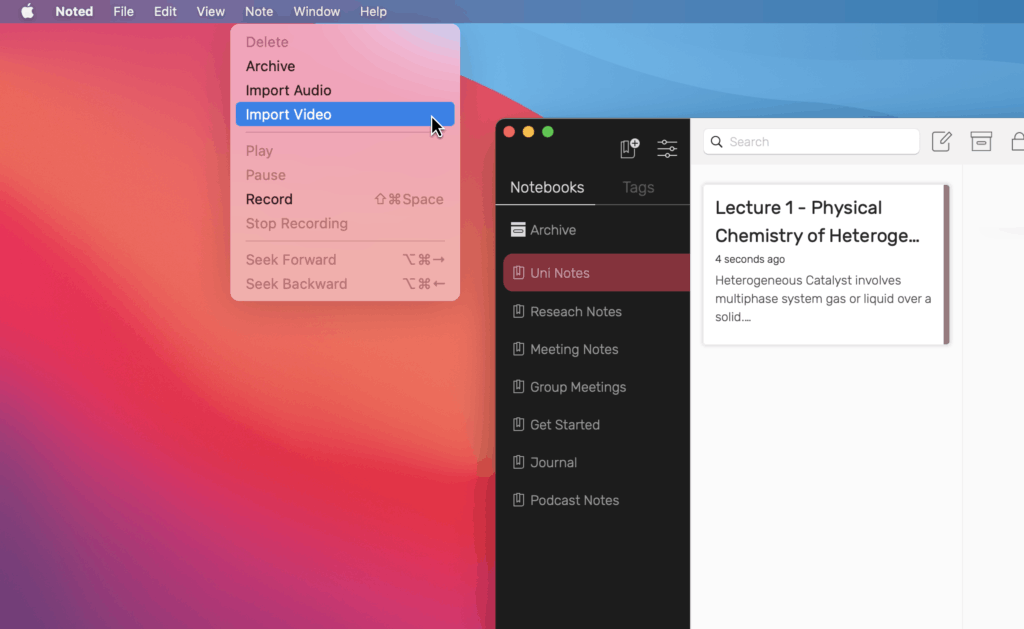 A Complete Guide to Importing and Working with Media Files Published on Import audio and video into Noted, then transcribe, trim and annotate it alongside your notes.
 -
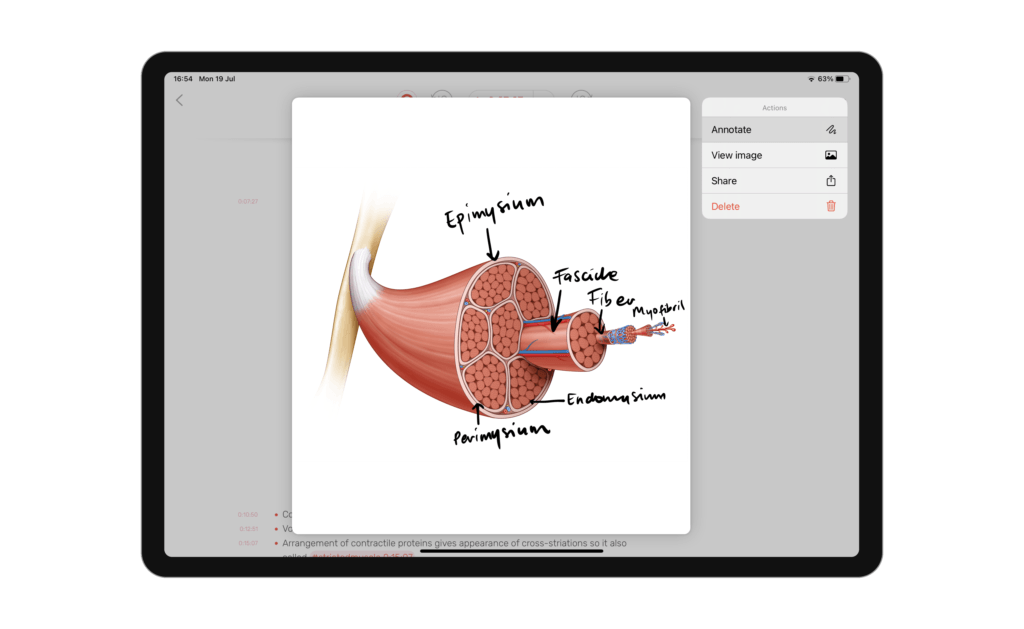 5 Hidden Features to Boost Your Productivity Published on Noted is a vast app with plenty of popular tools, sprinkled with a handful of hidden features that even the most avid users don’t know about.
 -
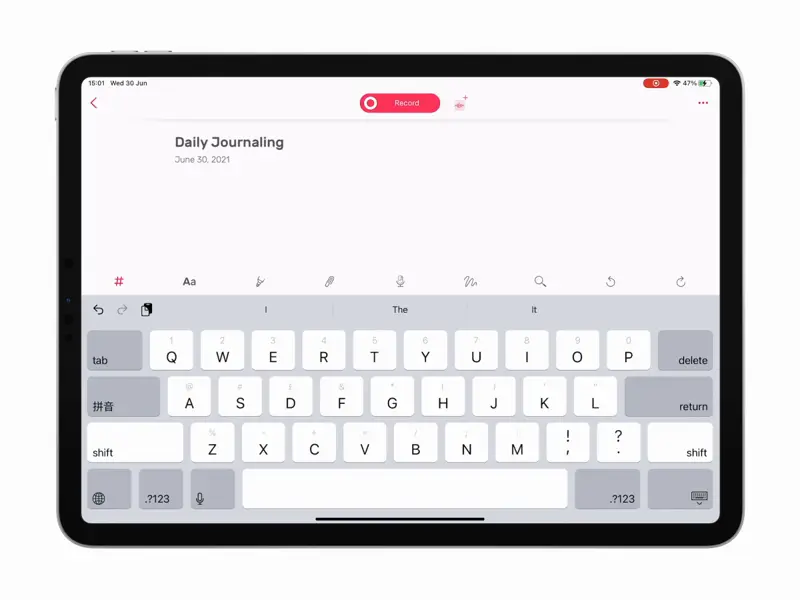 How to Use Noted for Daily Journaling Published on Noted is not only for lectures and meetings: here is how to use time-stamped audio and text to keep a daily journal you will actually look back on.